
PySH
Python-Native Automation
The Python-Native
Automation Platform
for Developers, System Administrators,
and DevOps Engineers
PySH is a stable Python-first interactive shell and script runner for Unix-like systems. Combine shell commands with real Python, structured diagnostics, deterministic configuration, migration tooling, and a versioned plugin API.
Trusted Technologies and Ecosystem
Built around Python and modern developer tools. PySH integrates with the platforms and editors you already use.
Python
ActivePython is the foundation of PySH automation, scripting, and all workflows.
PySH
ActivePython-native interactive shell replacing fragile Bash scripting.
PySH Academy
ActiveStructured Python automation courses for admins and DevOps engineers.

GitHub
ActiveSource code, issues, releases, and open-source collaboration.

PyPI
ActiveOfficial Python package distribution — pip install pysh-shell.

VS Code
PlannedTerminal profiles, snippets, and plugin development tooling.

JetBrains
PlannedProfessional Python and DevOps automation IDE integration.

Debian
PrimaryTier 1 reference for Debian-family Linux: Debian 13 / amd64 / CPython 3.13.

Fedora
SupportedRPM-family Linux is Tier 2; Fedora 43 provides native RPM install-and-run evidence.

FreeBSD
PrimaryTier 1 reference: FreeBSD 14.4 / amd64 / CPython 3.13, with FreeBSD 15 validation.

Windows
FutureNo native Windows v1 support claim. WSL uses the support contract of its Linux distribution.

ECLI
PlannedEditor and engineering workspace layer integrating with PySH.
Logos are used for ecosystem and integration reference only. PySH is not officially endorsed by these vendors unless explicitly stated. Please review each brand's trademark policy.
Python Command
Execution Layer
PySH includes a Python Command Execution Layer that lets developers and administrators move from shell commands into Python-powered automation — without leaving the command-line workflow.
- Interactive Python mode — run Python code line by line
- Block execution mode — run multi-line Python blocks
- Full access to the Python standard library and PyPI
- Seamless return to shell when finished
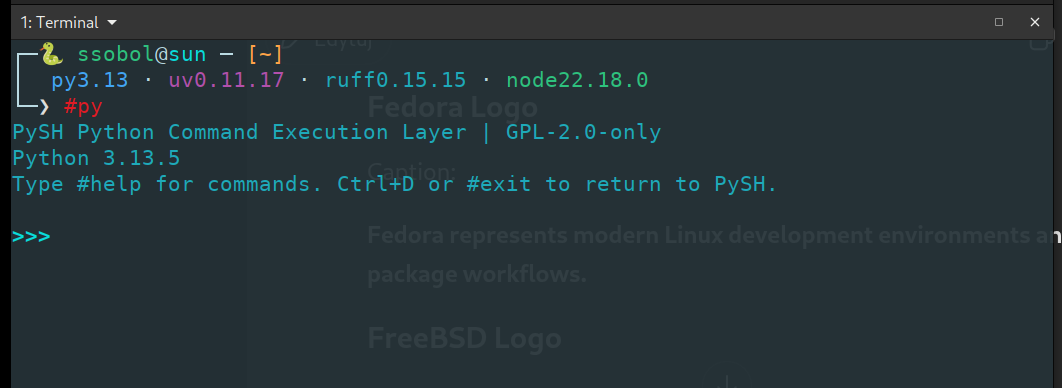
>>> standard REPL with full Python 3.13 access
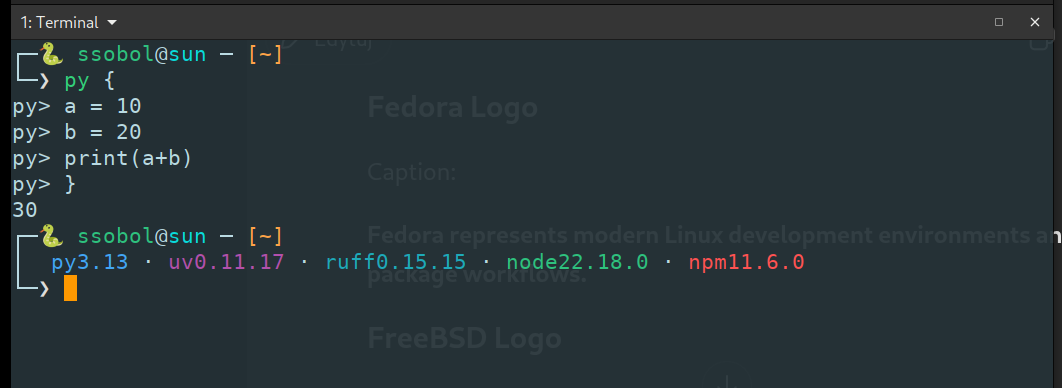
py> { … } execute multi-line Python blocks inline
Prompt Anatomy
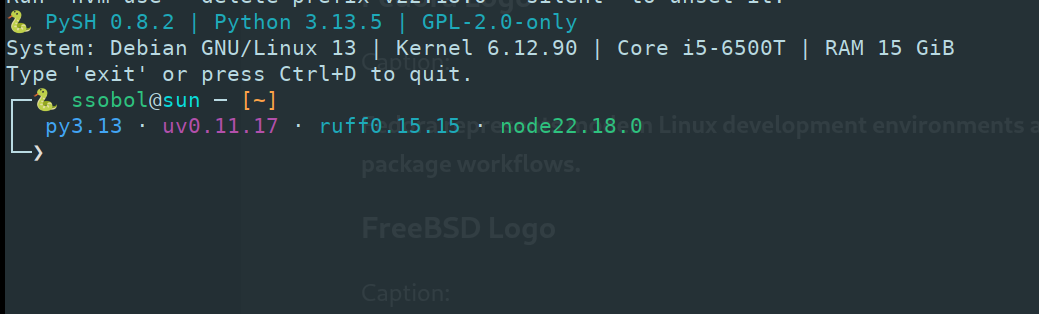
The PySH prompt shows your full engineering context at a glance — Python version, active tools, working directory, and system identity.
py3.13 · uv0.11.17 · ruff0.15.15 · node22.18.0 · npm11.6.0
╰─❯
🐍PySH identity marker — always visible in the prompt
ssobol@sunCurrent Unix user and hostname
[~/projects]Current working directory path
py3.13Active Python interpreter version
uv0.11.17Detected uv package manager version
ruff0.15.15Detected Ruff linter version
node22.18.0Detected Node.js runtime version
npm11.6.0Detected npm package manager version
╰─❯Command input prompt — awaiting input
Python Automation Platform Features
The stable v1 platform contract: shell behavior, Python execution, configuration, plugins, portability, diagnostics, and a verifiable software supply chain.
Python-First Shell
A production interactive shell and native script runner that combines Unix command workflows with Python-first automation.
Python Execution Layer
Run persistent inline Python with py and #py, including multi-line automation blocks, without leaving the shell session.
Plugin API 1.0
A versioned trusted-plugin API plus isolated-process plugins with explicit capability grants, IPC contracts, and resource budgets.
Language Contract
A normative PySH language specification backed by a declarative conformance corpus and explicit unsupported-construct rules.
Layered Configuration
Safe declarative TOML, deterministic drop-ins, and an advanced Python configuration layer, with strict --no-rc recovery startup.
Tiered Platform Support
CPython 3.13+ across Debian-family Linux and FreeBSD Tier 1, with RPM-family Linux supported under the Tier 2 contract.
Security & Diagnostics
Threat-modeled startup, structured diagnostics, centralized redaction, optional audit logging, and bounded robustness controls.
Verifiable Releases
Reproducible package evidence, SHA-256 checksums, SPDX 2.3 SBOMs, and GitHub Artifact Attestations for published release assets.
PySH vs Traditional Shell Scripting
Use shell syntax where it fits, and move larger automation logic into maintainable, testable Python without leaving the command-line workflow.
# Find all log files
find /var/log -name "*.log" -type f
# Sort by modification time
find /var/log -name "*.log" | xargs ls -lt
from pathlib import Path
for path in Path("/var/log").rglob("*.log"):
if path.is_file():
print(path)
| Area | Traditional Shell | PySH |
|---|---|---|
| Automation language | Shell-specific syntax | PySH commands + real Python |
| Larger automation logic | Pipelines, functions, external tools | Python modules, types, functions, exceptions |
| Testing | Shell-oriented test tooling | pytest / unittest for Python automation |
| Error handling | Exit codes, set -e, traps | Exit codes plus Python exceptions and logging |
| Package ecosystem | External CLI and shell tooling | Python stdlib and installed Python packages |
| IDE support | Shell-language tooling | Python language tooling for automation code |
| Extension model | Functions, scripts, shell plugins | Versioned Plugin API 1.0 and isolated plugins |
PySH brings Python-native automation to the command line.
Not /bin/sh, not a Bash/Zsh/Fish clone. PySH follows its own documented Python-first language and compatibility contract.
PySH Academy
Learn Python Scripting for System Administrators and DevOps Engineers. From shell scripts to maintainable Python automation.
Bash to Python
Replace fragile shell scripts with maintainable Python automation. 50+ lessons with real-world exercises.
Python for System Administrators
Filesystem, logs, backups, processes, monitoring — practical Python for real sysadmin workflows.
DevOps Automation with Python
Git, Docker, REST APIs, CI/CD helpers, configuration automation — DevOps Python workflows.
PySH Plugin Development
Build, test, package, and publish PySH plugins. Extend the platform with clean Python packages.
Real-World Automation Projects
Build portfolio-grade tools: log analyzers, backup systems, health monitors, release assistants.
Certification
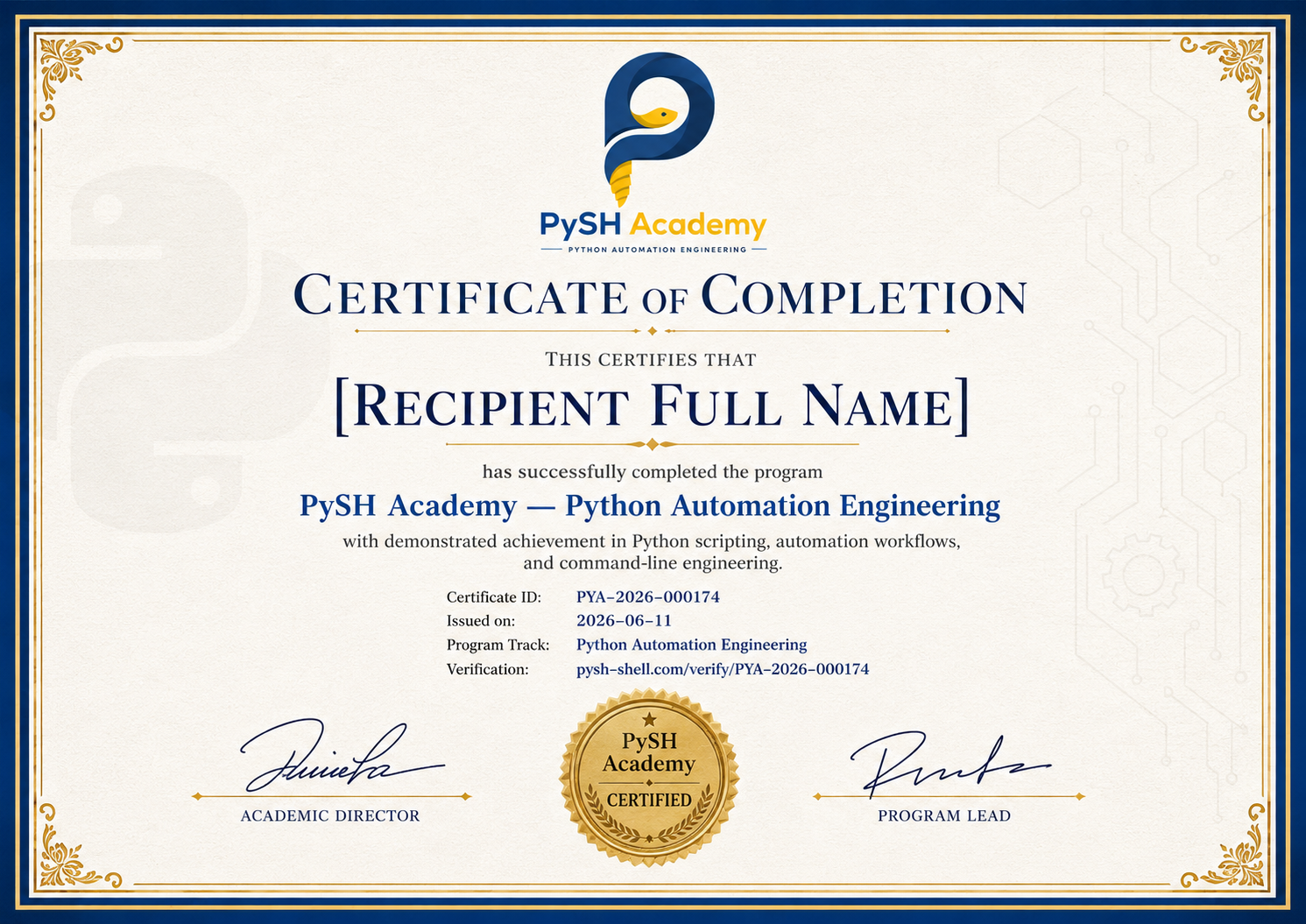
PySH Academy certifications for Python Automation Engineering — coming soon.
The PySH Academy Learning Journey
Join the PySH Community
Connect with Python automation engineers, contribute to the project, and follow updates via Telegram and GitHub.
GitHub
Source code, issues, releases, discussions, and open-source contributions. The primary development hub for PySH.
View on GitHubTelegram Community
@PYTHONCODINGLAB
Join the active community of Python automation engineers. Share projects, ask questions, and get support.
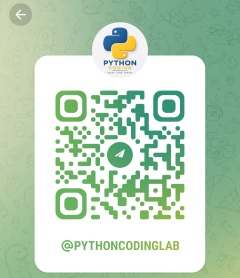
Scan QR to join
PySH Academy Channel
@PYTHONCODINGLAB
Follow the Academy channel for lessons, automation tips, course updates, and PySH release announcements.
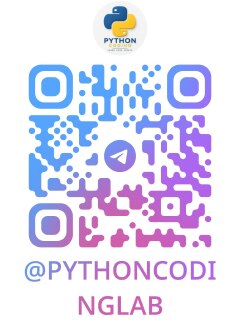
Scan QR to follow